What’s new
A lot has changed in FieldMarkup.
Share read-only plans, keep photos with every device, and work your device and cable data in the spreadsheets you already use.
Plan it. Price it. Build it. Document it.
02Device Photos
Keep the photos with the device.
Attach photos directly to devices, classify them, and carry them through to the Device Matrix and your exports.
- Attach photos to a device right from its drawer
- Classify each one as Condition, Proposed FOV, Actual / Installed FOV, Approved FOV, or Other / General
- See them alongside each device in the Device Matrix
- Include them in Device Matrix and plan PDF exports
In the Device Matrix
In the Device Matrix PDF
03Export. Edit. Import.
Edit the Device Matrix in Excel, then bring it back.
Take your Device Matrix to Excel as a CSV, make structured changes, and import them back into FieldMarkup.
- Choose the columns you want in the CSV
- Edit supported fields in Excel or any spreadsheet
- Import the CSV and map its columns; read-only columns are left alone
- See exactly what would change before anything is written
- Apply the changes when you are ready
1Export
2Edit in Excel
3Import and map
04Cable Run Schedule
Every cable run, in one schedule.
Every drawn cable run across a project's floor plans, one row each, with its endpoints, type and length.
- From and to device, room and system for every run
- Edit cable type, the recorded port at each end, and notes in the matrix
- Lengths follow the plan's current calibration
- Filter by cable type or plan
- Download the schedule as a CSV for your spreadsheets
CSV export
05Multi-Sheet Plan Support
Upload the set. Keep the sheets you need.
Split large PDF plan sets into the individual sheets you need, then keep the project organized sheet by sheet.
- Upload a multi-page PDF plan set
- Preview every sheet and choose the pages you need
- Name each sheet before it is added
- Sheets you skip stay stored, so you can add them later without uploading again
- If splitting is interrupted, it picks up where it left off
06Editor Productivity
Work the plan faster.
Align and distribute devices in one click, update matching devices at once, and let connected cables follow along.
- Align and distribute selected devices
- Connected cables follow a device when it moves
- Apply to all: set model, manufacturer, mount height or mount type on every matching device on the floorplan
- Hold Shift to draw wire runs at 45°
After: aligned and evenly distributed, wiring follows
And a lot more…
CCTV risers
Build a CCTV riser diagram from inside the project.
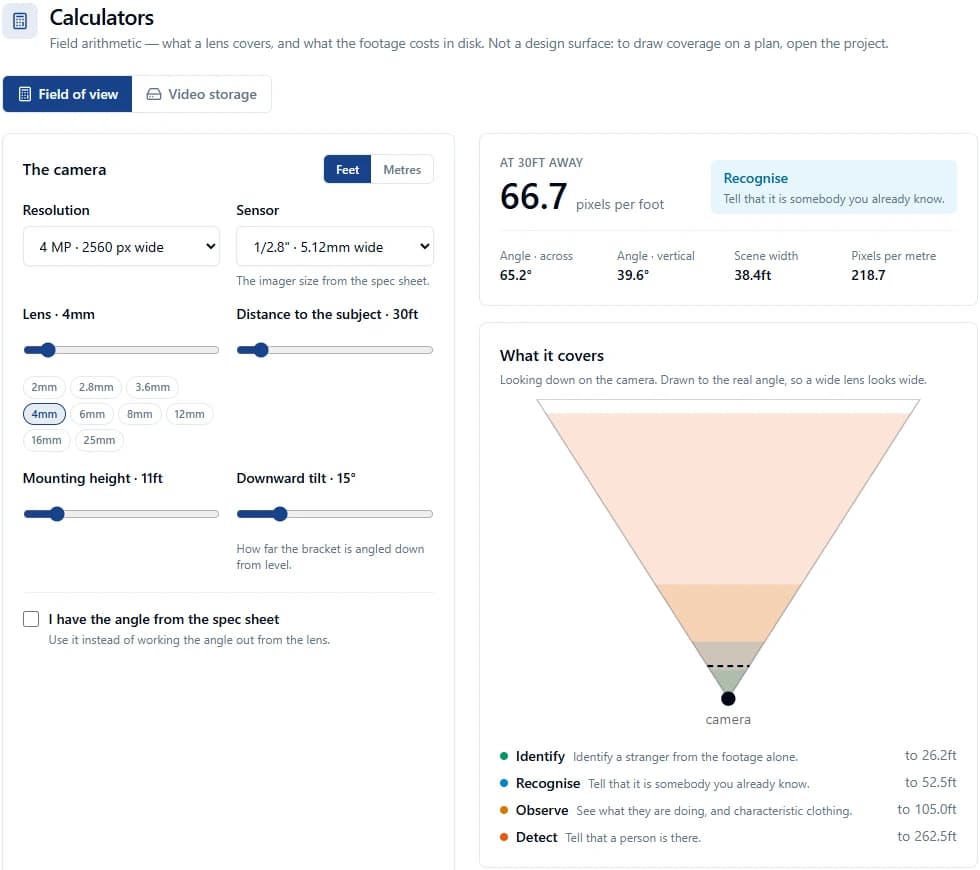
Camera FOV & PPF Calculator
Lens, coverage and pixel density. Free for anyone.
Open the free tool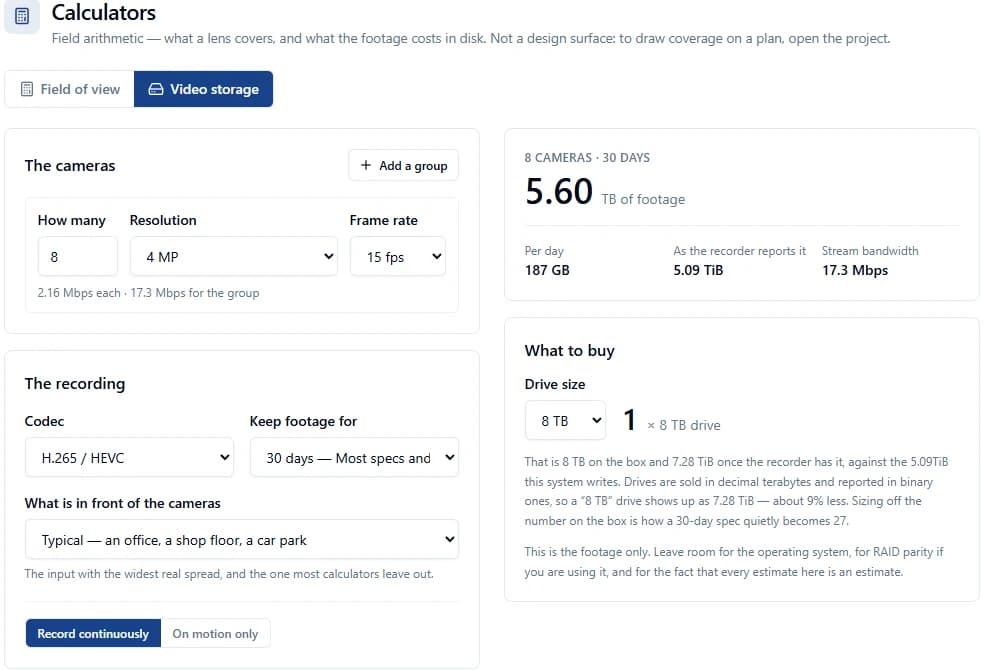
CCTV Video Storage Calculator
Size recorder storage by cameras, resolution and retention.
Open the free tool
Better calibration
When calibration changes, existing cable and pathway measurements update with it.
Match your workflow
Custom systems, device types and device kits, chosen per project or set as a customer default.
Visibility controls
Show or hide a whole system, cable runs by cable type, or pathways while you work.
Pathways & cable routing
Add trays and pathways to plans and route cable runs through them.
Wiring and 45° drawing
Drag a wire run’s end onto a device to connect it.
Custom hardware
Add your own device types in the Catalog and place them like any built-in device.
Every release, dated, is in the changelog.
Under the hood
More dependable where it counts.
Safer saves
Better recovery and clearer save status help protect your work when a save is interrupted.
More accurate exports
PDF exports recalculate cable and pathway lengths from the plan’s current calibration.
Better PDF handling
Sharper previews, more reliable exports, and more consistent downloads.
More reliable measurements
Existing cable and pathway lengths stay aligned with the plan’s current calibration.
Stronger data isolation & U.S.-based hosting
Production and development environments now use stronger isolation, with separate storage boundaries and core production data hosted in the U.S.
Built with the people who use it.
FieldMarkup is built in close collaboration with the contractors, technicians, project managers, and integrators using it in the real world.
Many of the improvements in this release started as direct customer requests, pain points, or workflow ideas.
Customer feedback → shipped
- Apply to all
- Align & Distribute
- Device Photos
- Better system visibility
Questions, ideas, or feedback?
Tell us what would make your next job easier. Already using FieldMarkup? Everything on this page is in your account now, and Message or Feedback is one click away inside the app.